IPTV Basics
IPTV UK Channels Guide
Channel availability, rights and programme schedules can change. Confirm current information directly instead of relying on generic lists.
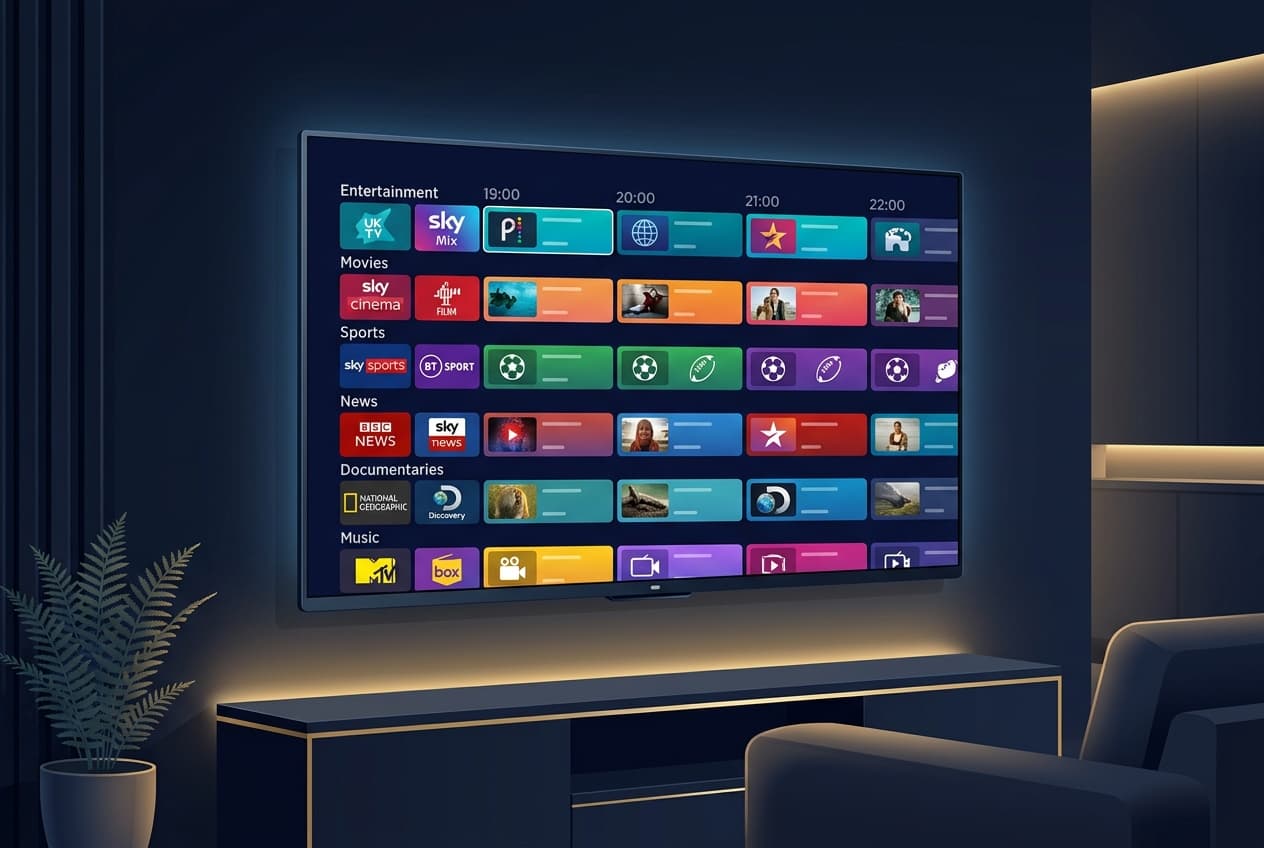
People often search for IPTV UK channels when they want to know what they can watch. The responsible answer is that channel line-ups, regional availability, programme schedules and distribution rights can change. A generic list is not a reliable promise about what a particular service provides today.
Channel lists need context
A channel name alone does not explain whether it is authorised, currently available in your location or included with a specific option. Check the service's current information and terms directly. This is especially important when an offer uses long lists or screenshots without explaining their source or conditions.
What to confirm
- Whether the provider gives clear, current information about its service.
- Whether your device follows the documented compatibility route.
- How support and activation are handled if you need assistance.
- Whether an advertised feature is subject to current terms or location.
- Whether the service has a clear way to answer a specific question before you buy.
Understand the guide separately
An electronic programme guide, or EPG, is the schedule interface used to browse programmes. It is not the same as a guarantee of a channel line-up. If the guide is empty or incorrect, use a guide-focused troubleshooting step rather than changing unrelated device settings.
Ask before you assume
Do not treat an article, social post or old screenshot as confirmation that a channel, programme or event is available. Ask the provider using its official contact route, and keep private account information out of public help requests.
Frequently asked questions
Can this page confirm every UK channel that is available?
No. Channel line-ups, regional availability and rights can change. Confirm current information directly with the relevant provider.
Is an EPG the same as a channel list?
No. An EPG is a programme guide interface; it is separate from the current content and access terms.
What if I need to check my device?
Review the documented supported-device guidance before downloading an app or changing settings.
Have a question about your setup?
Contact Explore Lounge for help with the documented device and activation route.
More from the journal
How to Get IPTV: A Practical Setup Guide
To get IPTV, choose an authorized service, use a compatible device and app, then follow the access method supplied for that service. This guide explains the decisions before installation and the checks that keep setup straightforward.
Read the guideInternet Speed for IPTV: Plan for Streams, Bitrate, and Stability
Choose an internet connection for the streams you expect to watch at once, then test it at the viewing device—not only beside the router.
Read the guideIPTV vs Satellite: Delivery, Equipment, and Viewing Flexibility
IPTV and satellite use different delivery paths. The better fit depends on your equipment, connection, location, and service terms.
Read the guide