IPTV Basics
OTT vs IPTV: What's the Difference?
OTT and IPTV both use internet connections, but the terms describe different delivery models and setup expectations.
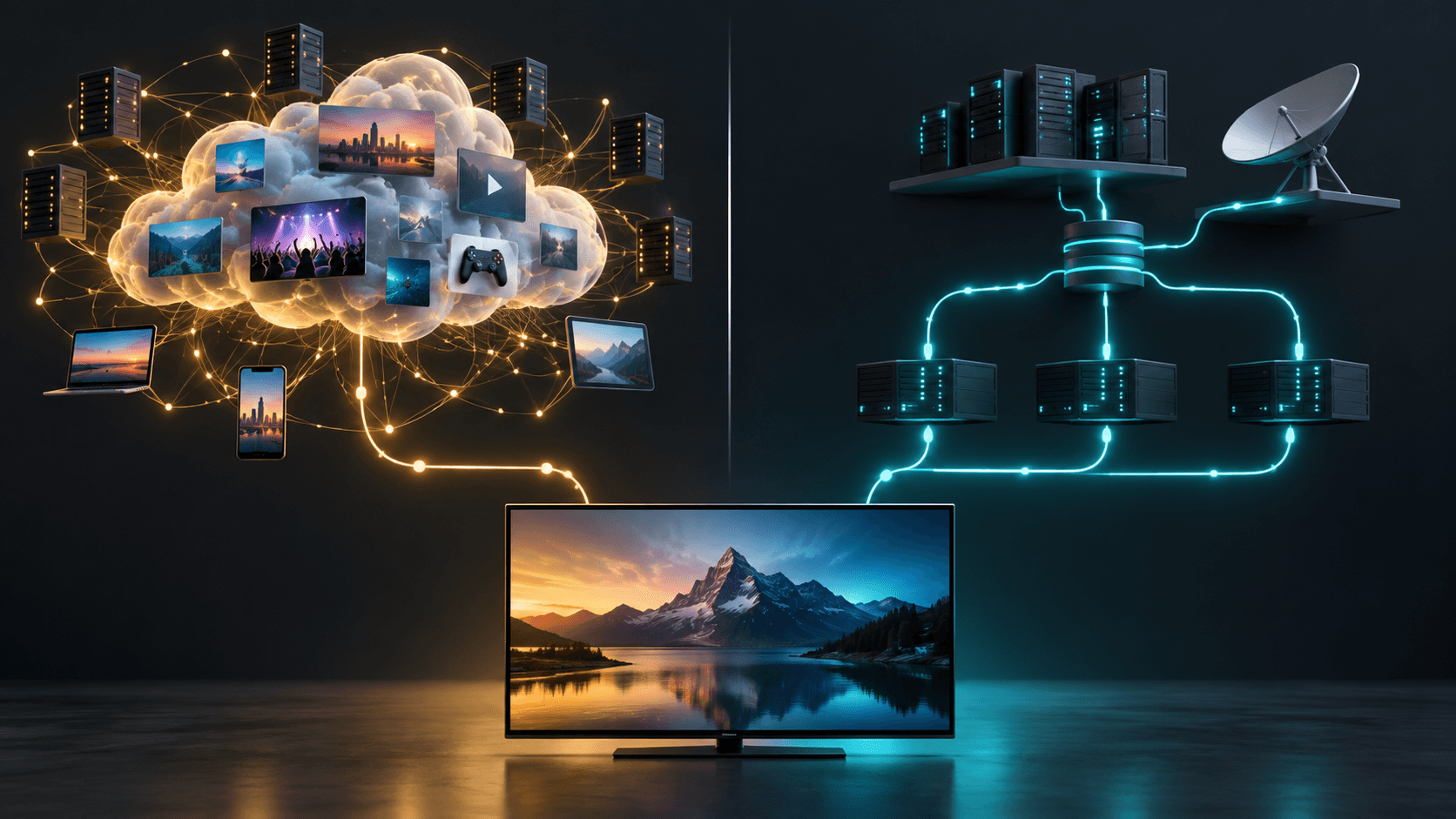
OTT and IPTV are both ways of receiving video through an internet connection, but they are not interchangeable labels. Understanding the difference helps you choose the right instructions when you are setting up a TV device or comparing a service.
What OTT means
OTT means over-the-top. It generally describes video delivered over the public internet through an app, rather than through a traditional cable or satellite connection. The app, account, and device determine the setup path.
What IPTV means
IPTV means Internet Protocol Television: television delivered through an internet connection. It is a delivery method, not the name of one company, app, or device. Different services can use different apps, account flows, and supported devices.
The practical difference for setup
- OTT is usually discussed as an app delivered over the open internet.
- IPTV describes internet-delivered television, but its setup method depends on the provider.
- Neither term proves that every app works on every television.
- The official device, app source, and activation instructions are more useful than a generic label.
Why generic instructions can cause problems
A guide written for a general player or another service can ask for information that does not apply to your setup. Explore Lounge uses an official-app and activation-code flow on supported TV devices. Do not substitute playlist, server, username, or password instructions from an unrelated guide.
Choose the right next step
- 1
Identify your device
Check whether you use Fire TV, Android TV, Google TV, or a compatible Android TV box.
- 2
Use the official route
Follow the provider's documented download and installation instructions.
- 3
Keep setup methods separate
Use only the activation or account method supplied for your service.
Frequently asked questions
Is OTT the same as IPTV?
Both use internet connections, but the terms describe different delivery models. The provider's documented device and setup instructions determine what you should do next.
Do I need a special app?
That depends on the service and device. Use the official app source and supported-device guidance rather than a generic tutorial.
Can I use the same instructions for every TV app?
No. Account and activation methods vary. Follow instructions that match the exact service and device.
Ready to explore your options?
View the available Explore Lounge plans and choose the subscription that fits your needs.
More from the journal
How to Get IPTV: A Practical Setup Guide
To get IPTV, choose an authorized service, use a compatible device and app, then follow the access method supplied for that service. This guide explains the decisions before installation and the checks that keep setup straightforward.
Read the guideInternet Speed for IPTV: Plan for Streams, Bitrate, and Stability
Choose an internet connection for the streams you expect to watch at once, then test it at the viewing device—not only beside the router.
Read the guideIPTV vs Satellite: Delivery, Equipment, and Viewing Flexibility
IPTV and satellite use different delivery paths. The better fit depends on your equipment, connection, location, and service terms.
Read the guide