IPTV Basics
What Is VOD on IPTV? A Plain-English Guide
VOD means video on demand: a library you choose from, rather than a schedule grid you follow in real time.
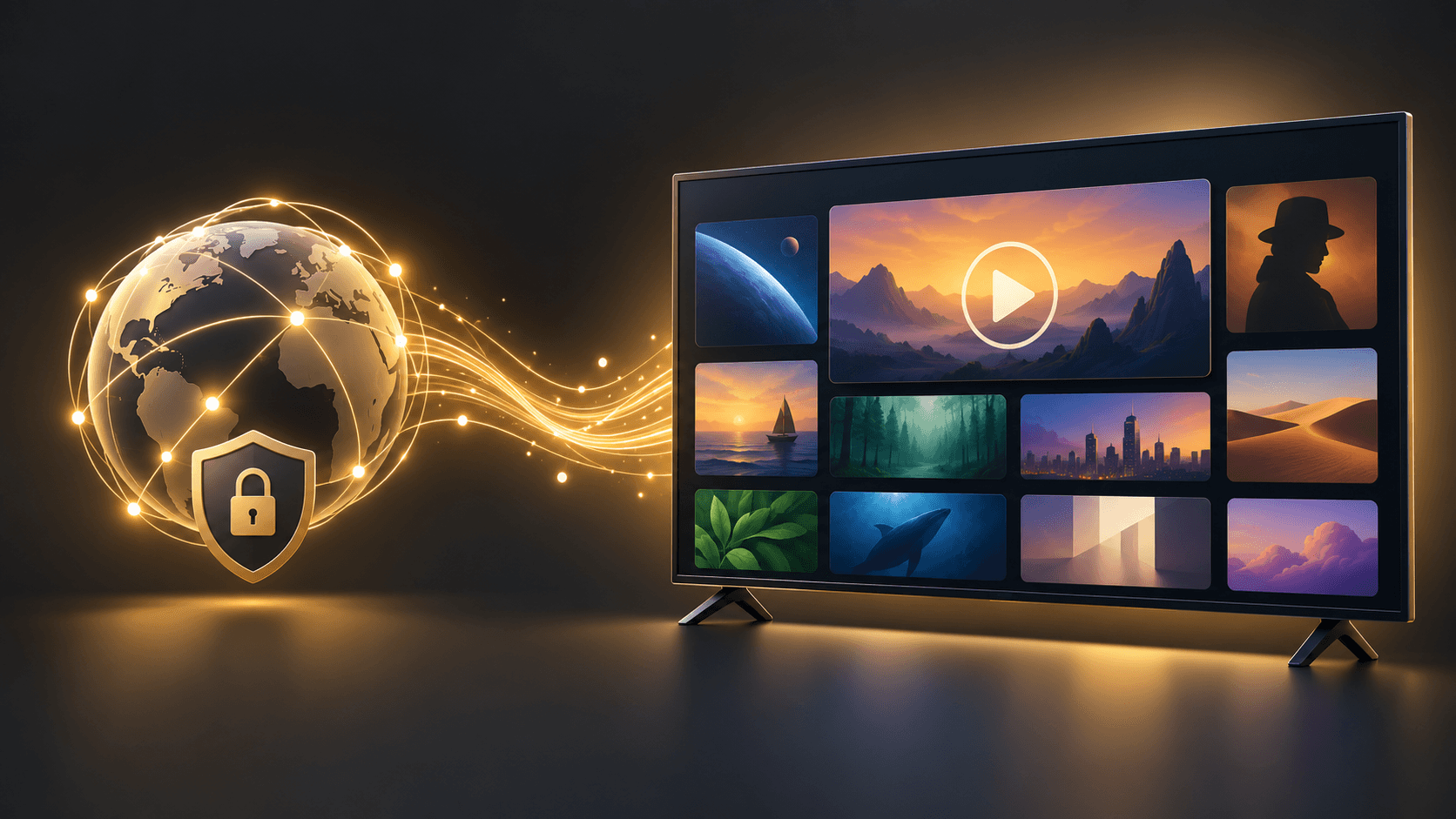
VOD means video on demand. In an IPTV experience, it usually refers to a library of programs you choose to play when you want, instead of a live TV schedule that follows a set broadcast time.
How VOD differs from live TV
Live TV follows a current schedule. VOD starts when you select an available item from a library. Both can appear in the same app, but they are different ways to browse and play content.
How VOD differs from an EPG
An EPG, or electronic program guide, is a timetable for live programming. VOD is a browseable library. If a guide looks empty, use guide troubleshooting; if one on-demand item will not play, first check whether the problem affects other items too.
A simple way to diagnose playback
- 1
Try another item
Check whether the issue affects one title or more of the available library.
- 2
Compare another app
Use another trusted app on the same device to help separate a local connection issue from an app-specific one.
- 3
Restart safely
Close and reopen the app, then restart the device normally if needed.
Use the documented setup path
A VOD library does not change the approved installation or activation method. On supported Explore Lounge devices, use the official app and enter the supplied activation code. Do not use an unrelated playlist, unknown APK, or public account details as a shortcut.
Frequently asked questions
What does VOD stand for?
VOD stands for video on demand: content selected from a library rather than watched according to a live schedule.
Is VOD the same as an EPG?
No. An EPG is a program timetable for live TV. VOD is an on-demand library.
What should I do if one VOD item will not play?
Check another item and another trusted app on the same device before changing account or app settings.
Ready to explore your options?
View the available Explore Lounge plans and choose the subscription that fits your needs.
More from the journal
How to Get IPTV: A Practical Setup Guide
To get IPTV, choose an authorized service, use a compatible device and app, then follow the access method supplied for that service. This guide explains the decisions before installation and the checks that keep setup straightforward.
Read the guideInternet Speed for IPTV: Plan for Streams, Bitrate, and Stability
Choose an internet connection for the streams you expect to watch at once, then test it at the viewing device—not only beside the router.
Read the guideIPTV vs Satellite: Delivery, Equipment, and Viewing Flexibility
IPTV and satellite use different delivery paths. The better fit depends on your equipment, connection, location, and service terms.
Read the guide